 Kloora
All tools / Planning and attendance
Class Timetable Maker
Make a weekly class timetable or school routine, fill in subjects and print it.
- Choose periods and days
- Type straight into the grid
- Print or save as PDF
How to use it
- Open the tool and enter your input.
- Adjust the options and watch the result update.
- Copy or download what you need.
Questions
Can I change the number of periods?
Yes. Choose from 4 to 10 periods and edit the time of each one.
Can I include Saturday?
Yes. Tick the days you want in the table.
How do I save it?
Press Print and choose Save as PDF, or print it on paper.
Is the Class Timetable Maker free?
Yes. It is free, needs no signup and works on any device.
More tools
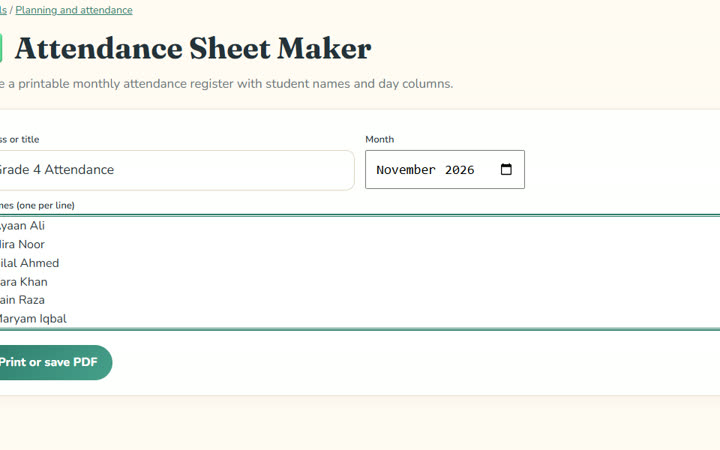
Attendance Sheet Maker
Create a printable monthly attendance register with student names and day columns.
Watch and try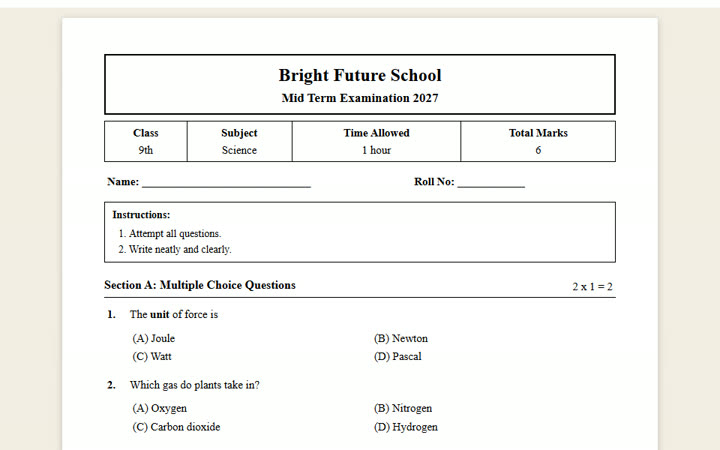
Exam Paper Maker
Choose a template, fill in the header, paste your questions. Numbering, bold headings and marks are done for you.
Watch and try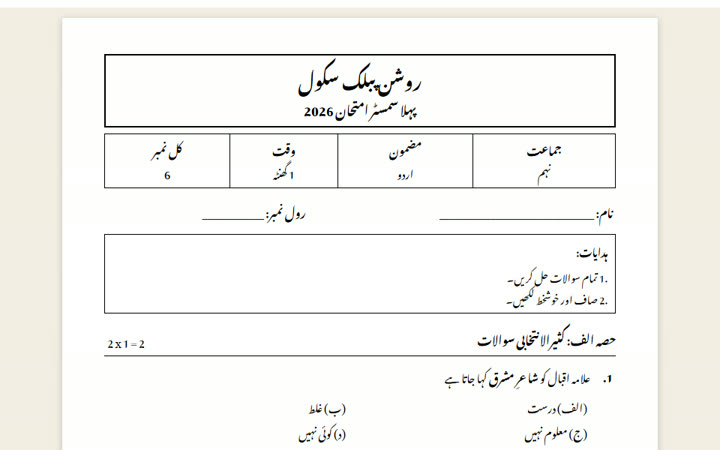
Urdu Exam Paper Maker
Urdu question paper with right to left layout, Nastaliq font, automatic numbering and marks.
Watch and try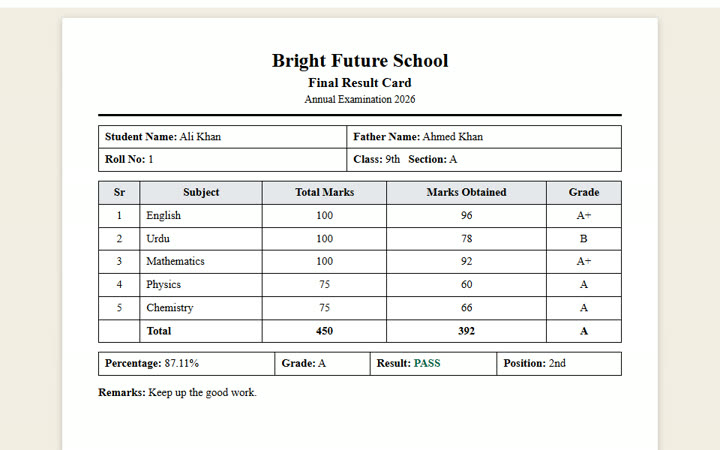
Marksheet and Result Card Maker
Enter subjects and marks once. Get a result card for every student, or one class result sheet, with totals, grades and positions done for you.
Watch and try